


Canon imageCLASS MF643Cdw
Original price was: $2,988.$2,788Current price is: $2,788.
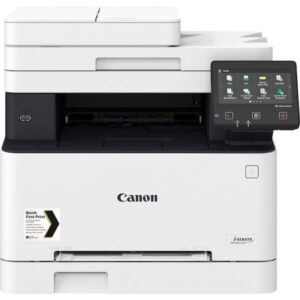

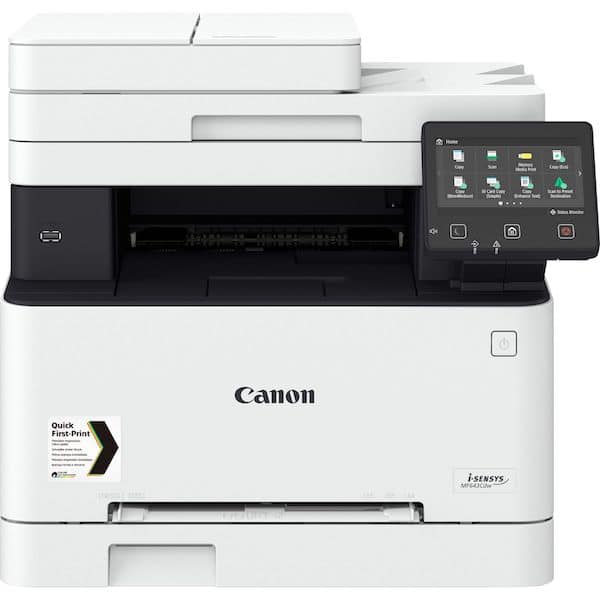
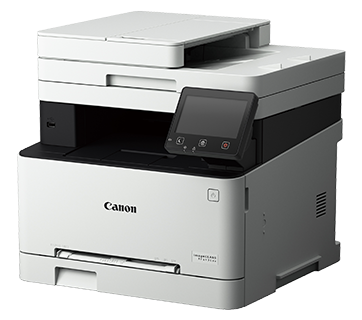
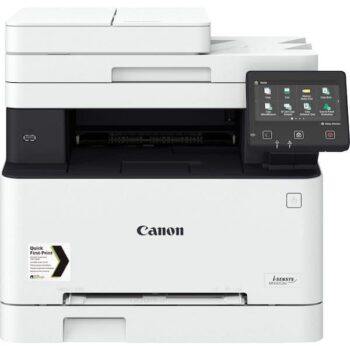
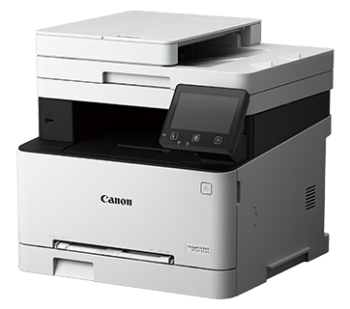
Canon Color Multifunction Laser Printer MF643cdw
Canon Color Multifunction Laser Printer MF643cdw Product Overview:
– Print to impress with V2 Color management
– Secure Print function ensures the security and privacy of the print out
– Send Lite function including scan to e-mail address / SMB server / FTP server / iFax
– AirPrint, Canon Print Service, MopriaTM and Mobile App for direct printing & scanning through mobile device
– Manage function authority for up to 300 users
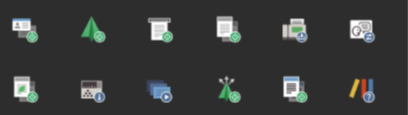
– Application Library with Customizable Shortcuts
– Auto duplex function applying to printing, and copying
– Built-in Wi-Fi 802.11b/g/n wireless network and Giga LAN for network Print, and Scan
– 5 inch Color Touch screen LCD display
– Print & copy speed up to 21/21 ppm & cpm. (Col/ B&W)
– Built in UFRII, and PCL printing language
– Paper input capacity increase to 251 pages
* For more information, please visit www.canon.com.hk/en/omp
Please click here to download iOS Apps “Canon Print Business”
(iOS: https://itunes.apple.com/app/canon-mobile-printing/id576292561?mt=8)
Please click hereto download Android Apps “Canon Print Business” (Android: https://play.google.com/store/apps/details?id=jp.co.canon.oip.android.opal&hl=en)
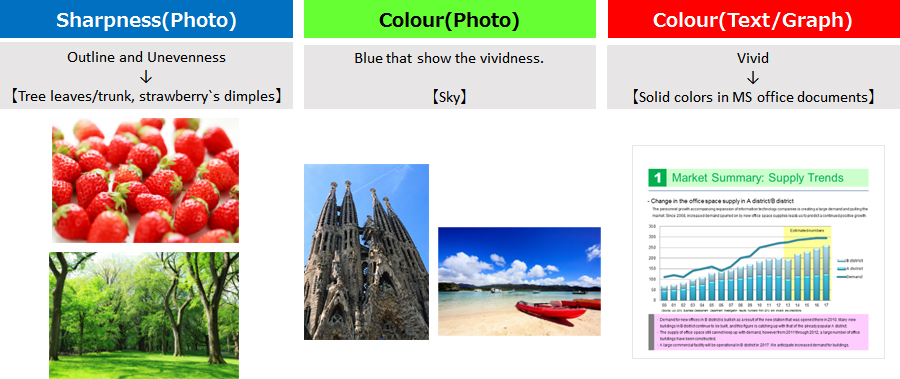
Print to impress with V2 Color management
The new color management would bring out the vividness and vibrancy of any color printouts.
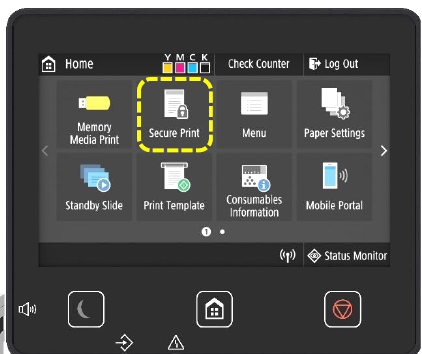
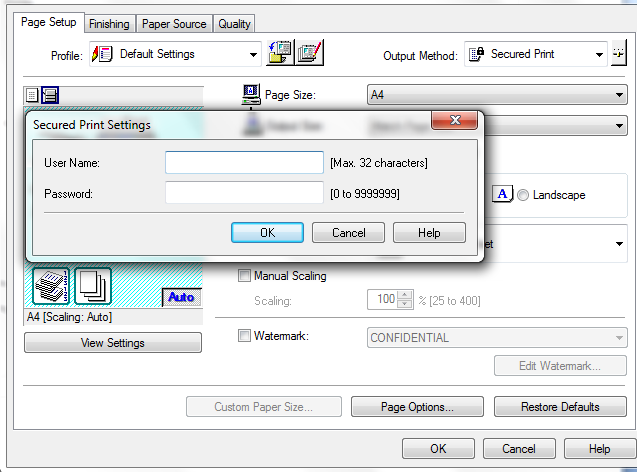
Secure Print function ensures the security and privacy of the print out
When activate the Secure Print Function, user needs to input the security code on the panel of the printer in order to start printing.
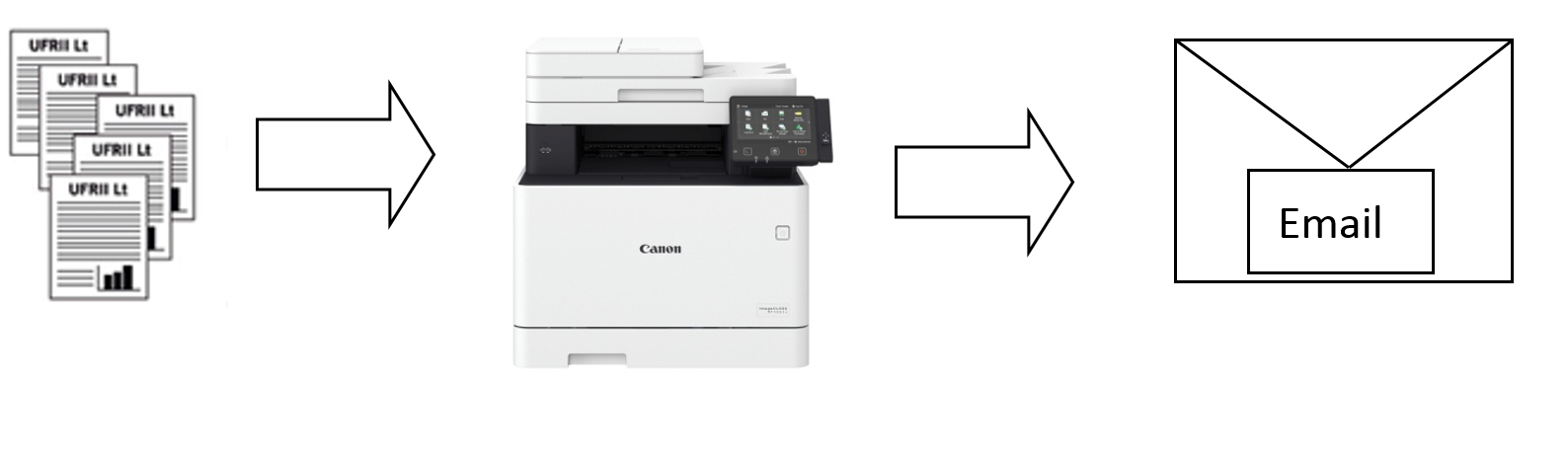
Send Lite function support scan to Email /SMB
Send function from Premium class Copier is introduced to imageCLASS MF643Cdw which support direct scan to Email / SMB
AirPrint wireless print supported for direct printing thought iOS* device
AirPrintTM wireless printing that makes direct wireless printing from iOS device* possible. Without the need to connect to a computer nor installation of any printer driver, simply submit the print job over a Wi-Fi network to get high quality printouts right away!
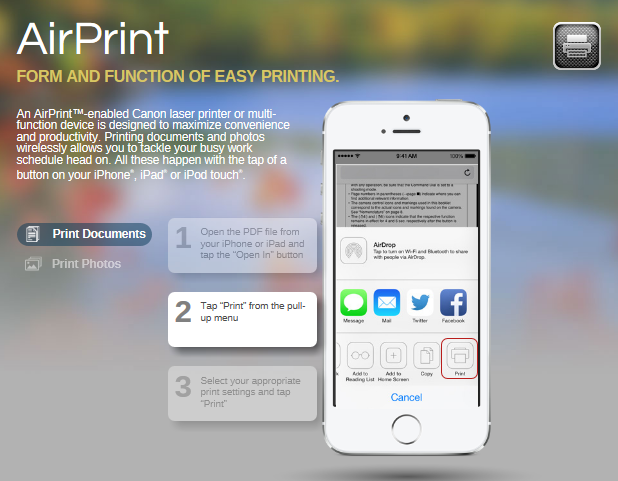
* iOS version must be iOS4.2 or later.
AirPrint and the AirPrint logo are trademakes of Apple Inc.
Canon Print Service / MopriaTM,wireless print supported for direct printing through Android Δ device
Canon Print Service/ MopriaTMwireless printing,that makes direct wireless printing from Android device*2 possible.
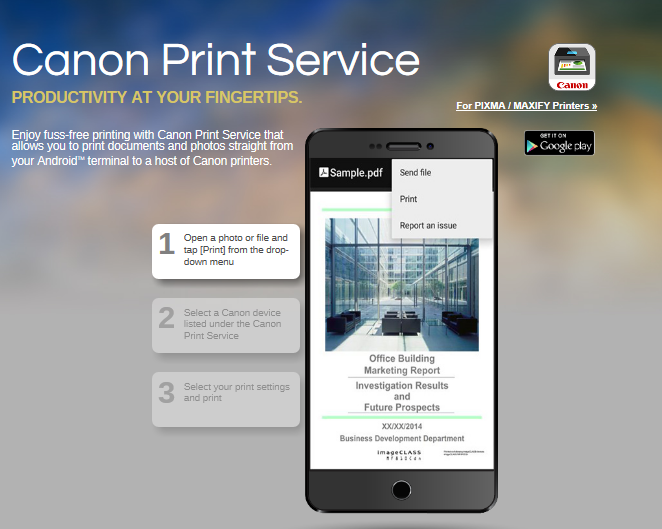
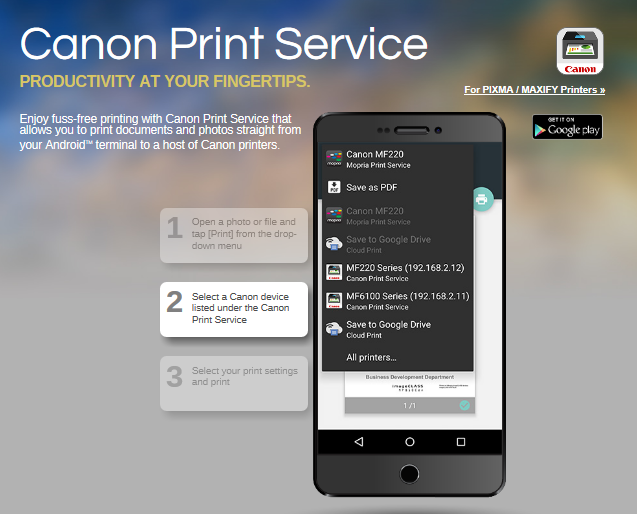
ΔAndroidTM version 4.4.2 or later
AndroidTM and MopriaTM logo are trademakes of Google Inc.
Free Apps “Canon Print Business”^ for printing & scanning via mobile device
“Canon Print Business” is free application that enables you to print and scan from an iOS or AndroidTM Mobile Device using a Canon multi-function devices or laser printer. There are variety in setting on the “Canon Print Business” Apps include the color mode, page range and paper sizes. In addition, with print pre-view function, it is the best solution for modern office.
^Application can be downloaded in App Store / Play Stores. For more information about Mobile Printing Apps, please visit www.canon.com.hk/en/omp
Mobile devices and the imageCLASS Printers must be connected to the same wireless network
Manage function authority for up to 300 users
For better administration management, there are max. 300 user accounts can establish for monitoring individual usage, limit function control and page print.。
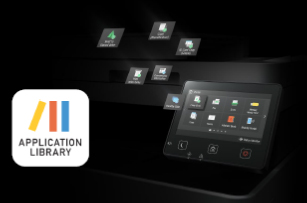
Application Library with Customizable Shortcuts
The Application Library Function supports personalization of advanced workflows with simple one-touch operability. Equipping users with the ability to store and run regular jobs in one touch.
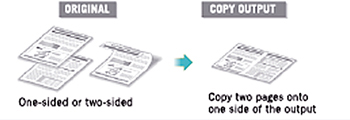
Auto Duplex function applying to printing, and copying
Automaticdouble-sided (duplex) printing feature, it produces double-sided or even four times on a single sheet of paper, saving cost.
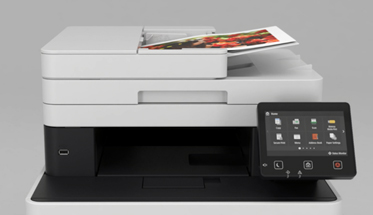
50-sheet ADF for Copy and Scan
Equipped with automatic document feeder, up to 50 sheets A4 can be placed in it for automatic copying, and scanning, users can avoid the complicated manual process and enjoy a higher working efficiency
Built in Wi-Fi 802.11b/g/n wireless network and Giga LAN provide network print, and Scan
imageCLASS MF643Cdw built in WiFi 802.11b/g/n wireless and Giga LAN network -ready to centralize print, and scan through the computer network.< /p>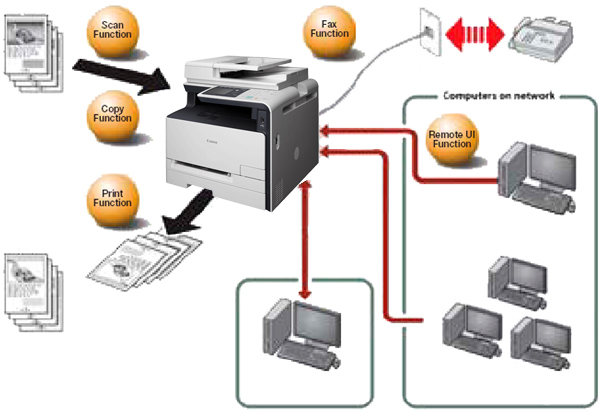
Support Direct Connection function
Even without Wireless Router, user can use built in Wi-Fi Direct function connects Mobile device and multiple function printer for wireless print and scan up to 5 units.
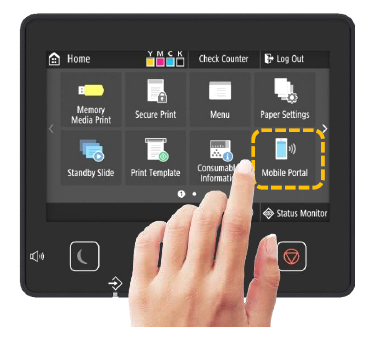
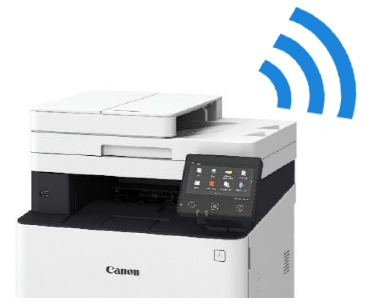
5 inch Color Touchscreen LCD Display
5-inch Color LCD display that shows users clearly the print jobs and operation status.
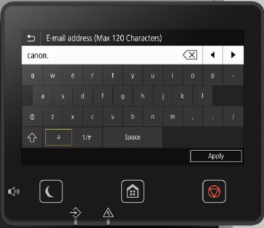
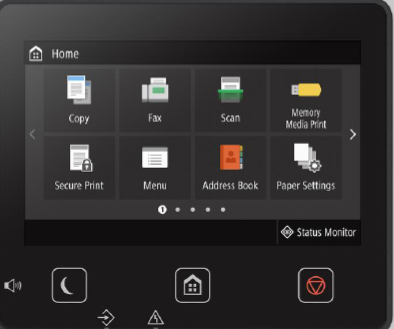
Print & Copy speed at 21ppm & cpm
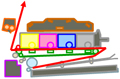
Incorporated with the One-Pass “In-line Artchitecture System” that shorten the color printing process and feeding procedure to just one pass instead of four, which can have a high-speed color printing
 |
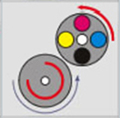 |
| One pass use 4 drums and 4 toners | 4 pass use 1 drum and 4 toners |
First print out time is 10.5 / 10.4 sec (Color / B&W document)
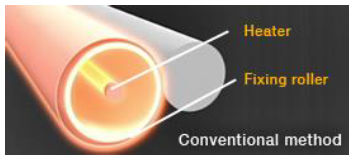
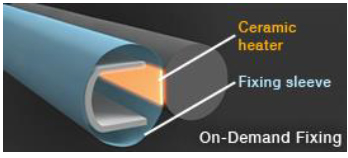
With Canon’s On-Demand fixing technology, a ceramic heater is used to speed up heat transfer and lower waiting time. The first page of B&W/Color output in approximately 10.4 / 10.5 seconds, more efficient with less power consumption.
High performance printing system UFR II & PCL printer driver language
With this groundbreaking innovation, print data processing is handled by a PC instead of the printer, which reduces the data processing time. In addition, UFR II can manage to use minimal amount of memory to process huge amount of printing data efficiently with stable output.
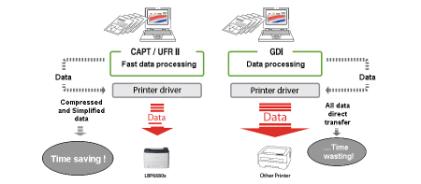 Aside from UFR II, the printer also equips with PCL driver printing language for a wide range of document handling.
Paper input capacity increase to 251 pages
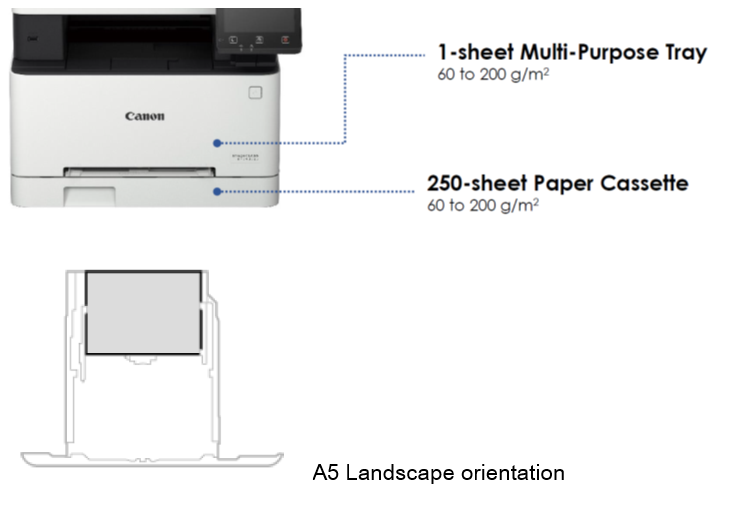
imageCLASS MF643Cdw features a 250-sheet paper cassette and 1-sheet multipurpose tray. It brings the total capacity to a maximum of 251 sheets to eliminate the hassle of refilling paper frequently. The paper cassette supports the printing of A5 size in landscape mode. The A5 print speed up to 32ppm for meeting various industries printing needs.
| Type | |
| Printer Type | Color Laser All-in-One |
| Available Functions | Print, Copy, Scan, Network function (print, scan), Scan to Email / SMB / USB memory |
| Printer Speed | 21ppm (A4 B&W) and 21ppm (A4 Color) |
| Print Resolution | 1,200 x 1,200 dpi equivalent |
| First Print Time | Approx. 10.4 / 10.5 sec (A4 B&W/ Color) |
| Print Language | UFR II, PCL6 |
| Print Memory | 1,024MB (Shared) |
| Auto Duplex Print | Standard |
| USB Direct Print | JPEG, TIFF, PDF |
| Copy | |
| Copy Type | Color Laser |
| Copy Speed | 21ppm (A4 B&W) and 21ppm (A4 Color) |
| Copy Resolution | 600 x 600 dpi |
| First Copy Time | Approx. 11.4 / 13.4 sec (A4 B&W/Color) |
| Zoom | 25% – 400% |
| Copy Features | Frame Erase, Collate, 2 on 1, 4 on 1, ID Card Copy, Passport Copy |
| Scan | |
| Scanning Element | Color CIS |
| Scan Resolution | 600 x 600 dpi (optical) |
| Color Depth | 24-bit |
| Document Size | Up to A4 /LTR (platen) Up to 216 x 355.6mm (ADF) |
| Compatibility | TWAIN,WIA |
| Scanning speed*1 | 1 Sided: 26 pages/minutes (mono), 13 pages/minutes (color)
|
| Pull Scan | Yes, USB and Network |
| Scan to PC | Yes, USB and Network |
| Scan to Cloud | MF Scan Utility |
| Scan to Media | |
| Scanning method | SMB / Email / FTP |
| File Format | JPEG, TIFF, PDF, Compact PDF, PDF(OCR) |
| Interface & Software | |
| Standard Interface(s) | USB 2.0 Hi-Speed, Wi-Fi 802.11b/g/n, 10/100/1000 BASE-T Ethernet, Direct Connection |
| Operating System | Windows®10, 8.1, 7, Windows Server® 2016, 2012, 2008 , Mac OS X 10.9.5 – 10.14*2 |
| General Specifications | |
| LCD Display | 5 inch Color Touchscreen LCD |
| Paper Handling | Auto Document Feeder 50-Sheet Paper Cassette 250-Sheet Multi-Purpose Tray 1-Sheet Paper Weight: Cassette 60-200g/m² Multi-Purpose Tray 60-200 g/m² Paper Output: 100 sheets (face down) |
| Power Source | AC 220-240V,50-60Hz |
| Power Consumption | Energy Saver Mode: approx. 0.8W Average: 370W Max.: 850W |
| Noise level | During standby : Inaudible During operation: 51dB |
| Consumables | |
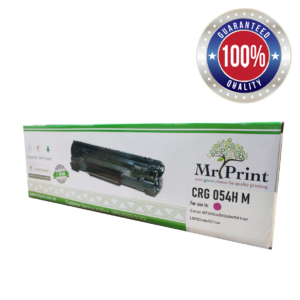
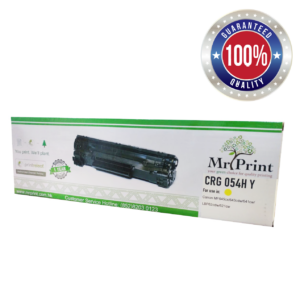
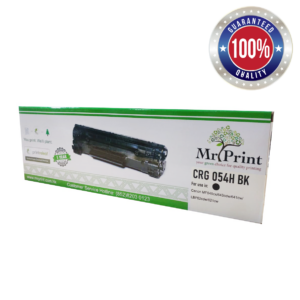
| Consumables | Cartridge 054 Series |
| Yield | 1,200 / 2,300 pages*3 (054 C/M/Y / 054 H C/M/Y) 1,500 / 3,100 pages*3 (054 BK / 054 H BK) |
| Starter yield | 1,500 pages*3 (BK ), 680 pages*3 (C/M/Y) |
| General | |
| Dimensions (W x D x H) | 451 x 460 x 413 mm |
| Weight (with cartridge) | Approx. 20.5kg |
*1 Speed of scanning via the document feeder, A4 size, scan resolution 300 x 300 dpi
*2 Latest driver can be downloaded from hk.canon
*3Based on ISO / IEC 19798 testing standard.
All data is based on Canon’s standard testing methods. Subject to change without notice.
About Canon: https://hk.canon/en/consumer
More Color Multifunction Laser Printer in Mr. Print> Click Here
| Brand | Canon |
|---|---|
| Color/ Mono | Color |
| Function | 3in1 (Print+Scan+Copy) |
| Print Speed (Mono) | 21 |
| Print Speed (Color) | 21 |
| Printing Size | A4 |
| Connectivity | Wireless+Ethernet+USB |
| Duplex Function | Duplex Print |
| Warranty | One year warranty |


