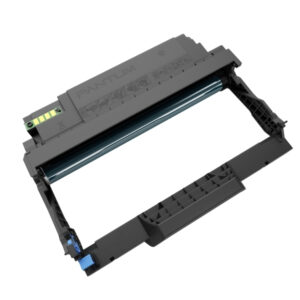

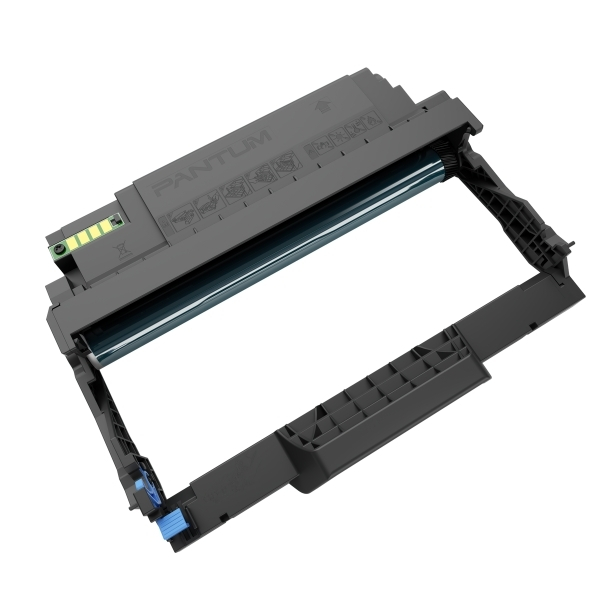
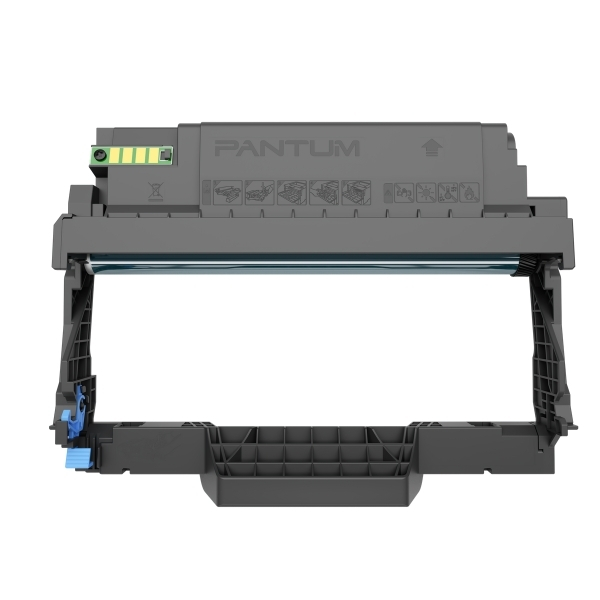
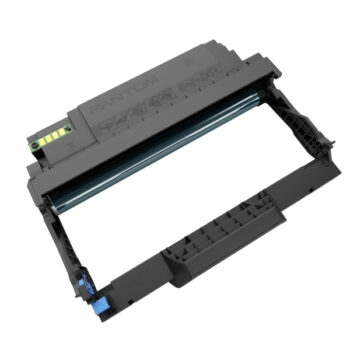
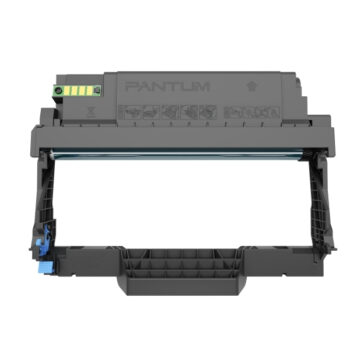
Pantum DL 5120 Drum Unit (30,000 Pages)
Original price was: $790.$780Current price is: $780.
High-quality and reliable printing results
Separation design saves more cost
Low waste powder
Tasteless printing
Health and Environmental Protection Attributes
Model: DL-5120
Suitable for: BP5100DN,BP5100DW
Color: Black
Print Yield: 30,000 Pages **According to ISO/IEC 19752 standard toner cartridge average load capacity (individual users will have different effects due to different usage environments and page coverage)
Pantum Official Website: https://global.pantum.com/global/
For any question, please call us: https://www.mrprint.com.hk/contact-us/
Drum component replacement steps (DL 5120) :
1.Power off the printer.
2.Open the front cover and take the laser toner cartridge out along the track.
3. Press the blue button on the left side of the drum component with the left hand and lift the
toner cartridge handle with the right hand at the same time to take the toner cartridge out.
4. Open the package of the new drum component, take the protection device of the drum component,
and put the drum component on a horizontal table.
5.Install the drum component along the inner track to finish installing the toner cartridge.
6.Take the drum component with toner cartridge installed and install it inside the printer
along the inner track of the printer to finish installing.
7.Close the front cover.
—
Toner cartridge replacement steps:
1.Power off the printer.
2.Open the front cover and take the laser toner cartridge out along the track.
Press the blue button 3. on the left side of the drum component with your left hand and lift the toner
cartridge handle with the right hand at the same time to take the toner cartridge out.
4. Open the package of the new toner cartridge and hold the toner cartridge handle to shake it
left and right for 5 – 6 times, so that the toner inside can be uniformly dispersed.
5.Pull the seal out and take the toner protection cover out.
6.Install the drum component along the inner track to finish installing the toner cartridge.
7.Take the drum component with the toner cartridge installed and install it inside the printer
along the inner track of the printer to finish installing.
8.Close the front cover.