
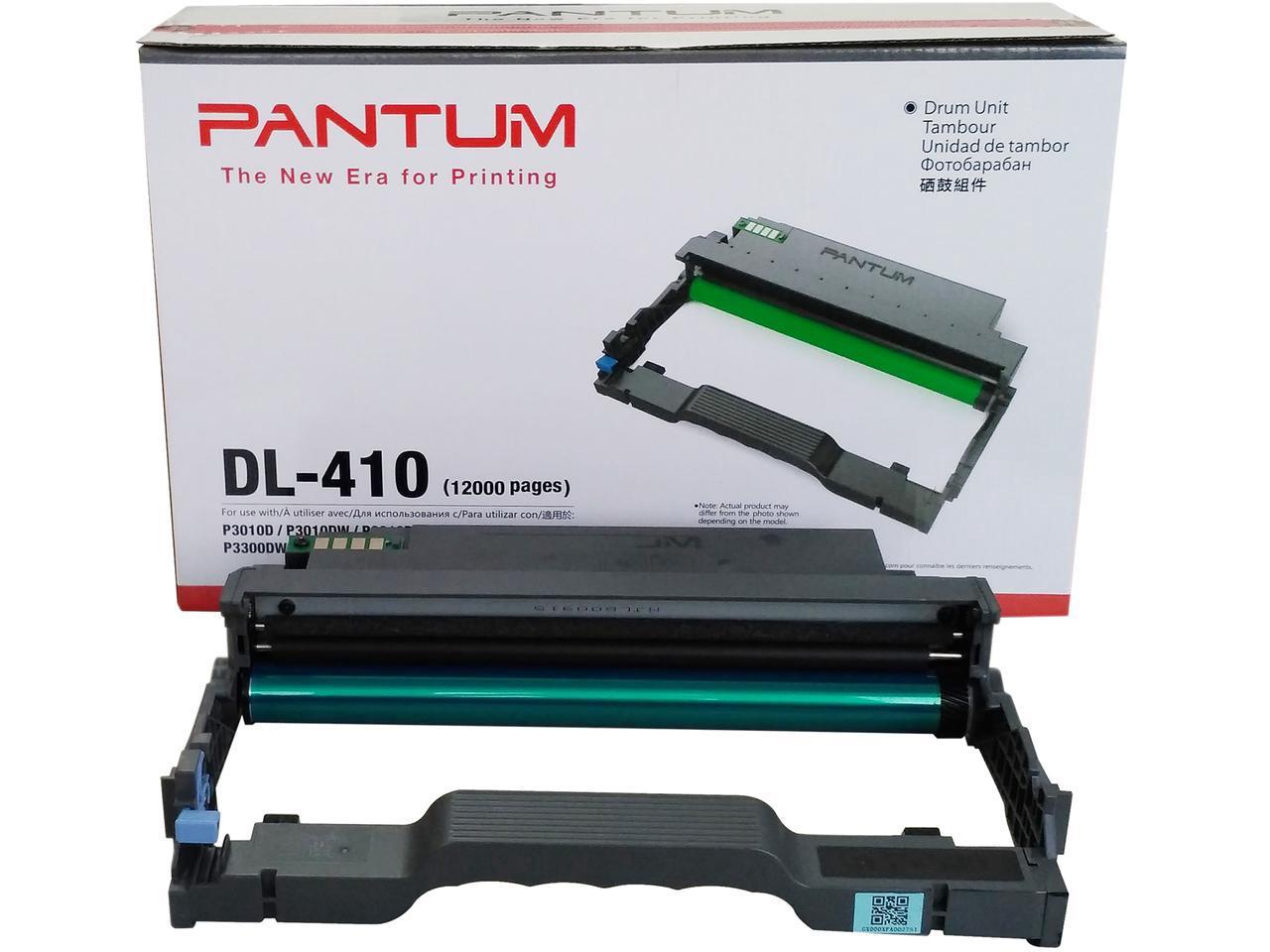
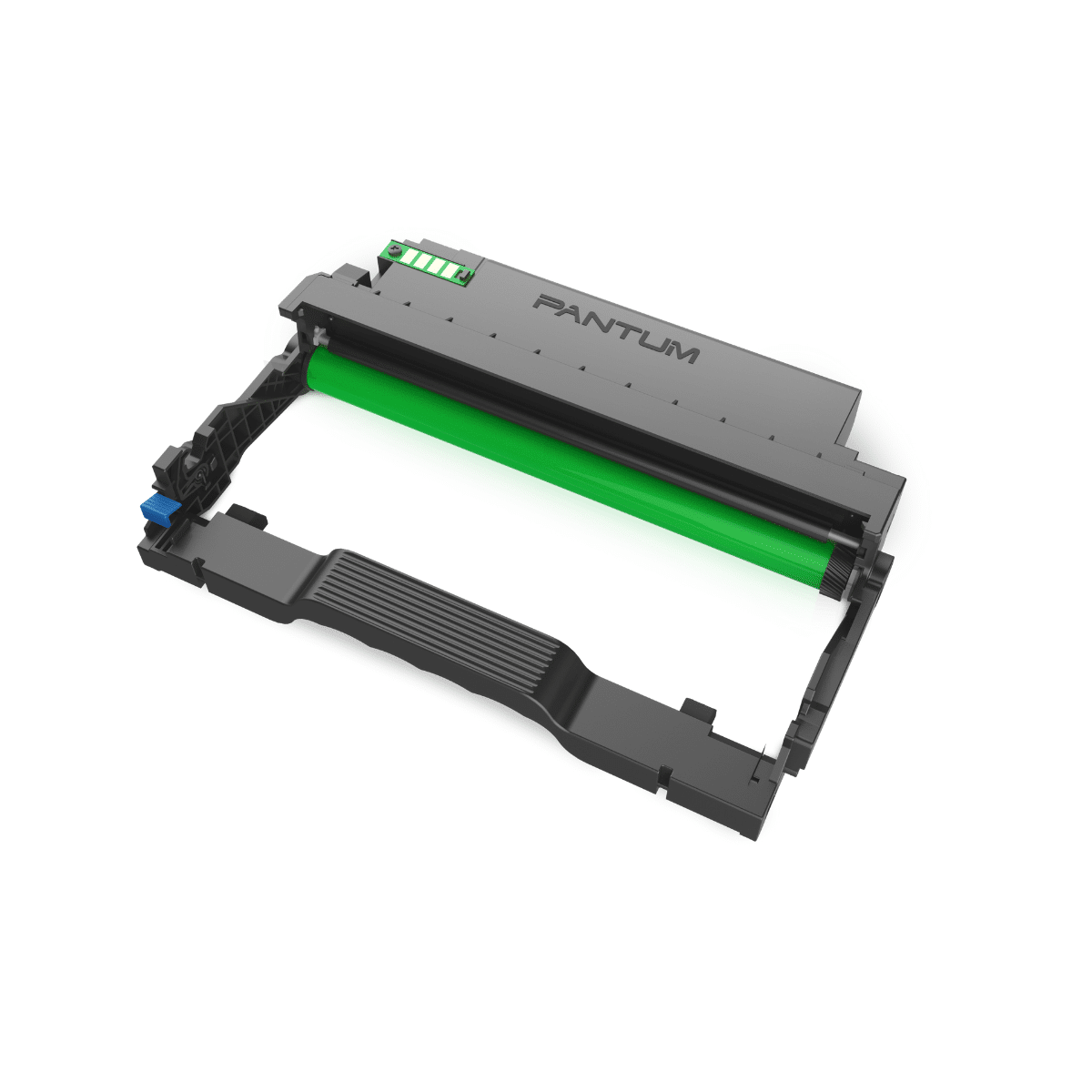
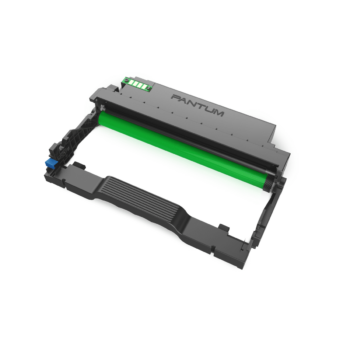

Pantum DL-410 Drum Unit (12000 pages)
Original price was: $680.$450Current price is: $450.
Available on backorder
Pantum DL-410 Drum Unit (12000 pages)
Pantum DL-410 Drum Unit (12000 pages) Product Overview:
Support Models: P3010D, P3010DW, P3300DN, P3300DW, M6700D, M6700DW, M7100DN, M7100DW, M6800FDW, M7200FD, M7200FDN, M7200FDW,M7300FDN, M7300FDW
Pantum Official Website: https://global.pantum.com/global/
For any question, please call us: https://www.mrprint.com.hk/contact-us/
Toner cartridge replacement steps:
1.Power off the printer.
2.Open the front cover and take the laser toner cartridge out along the track.
Press the blue button 3. on the left side of drum component with left hand and lift the toner
cartridge handle with right hand at the same time to take the toner cartridge out.
4. Open the package of the new toner cartridge and hold the toner cartridge handle to shake it
left and right for 5 – 6 times, so that the toner inside can be uniformly dispersed.
5.Pull the seal out and take the toner protection cover out.
6.Install the drum component along the inner track to finish installing toner cartridge.
7.Take the drum component with toner cartridge installed and install it inside the printer
along the inner track of printer to finish installing.
8.Close the front cover.
Drum component replacement steps:
1.Power off the printer.
2.Open the front cover and take the laser toner cartridge out along the track.
3. Press the blue button on the left side of drum component with left hand and lift the
toner cartridge handle with right hand at the same time to take the toner cartridge out.
4. Open the package of new drum component, take the protection device of drum component,
and put the drum component on a horizontal table.
5.Install the drum component along the inner track to finish installing toner cartridge.
6.Take the drum component with toner cartridge installed and install it inside the printer
along the inner track of printer to finish installing.
7.Close the front cover.